
Router setup,made easier tofollow
RouterWiz guides router login, Wi-Fi settings, port forwarding, DDNS, and public access checks step by step.


Router setup gets easier when the order is clear.
RouterWiz starts from the most common beginner blockers, then sends you to the right tool or guide.
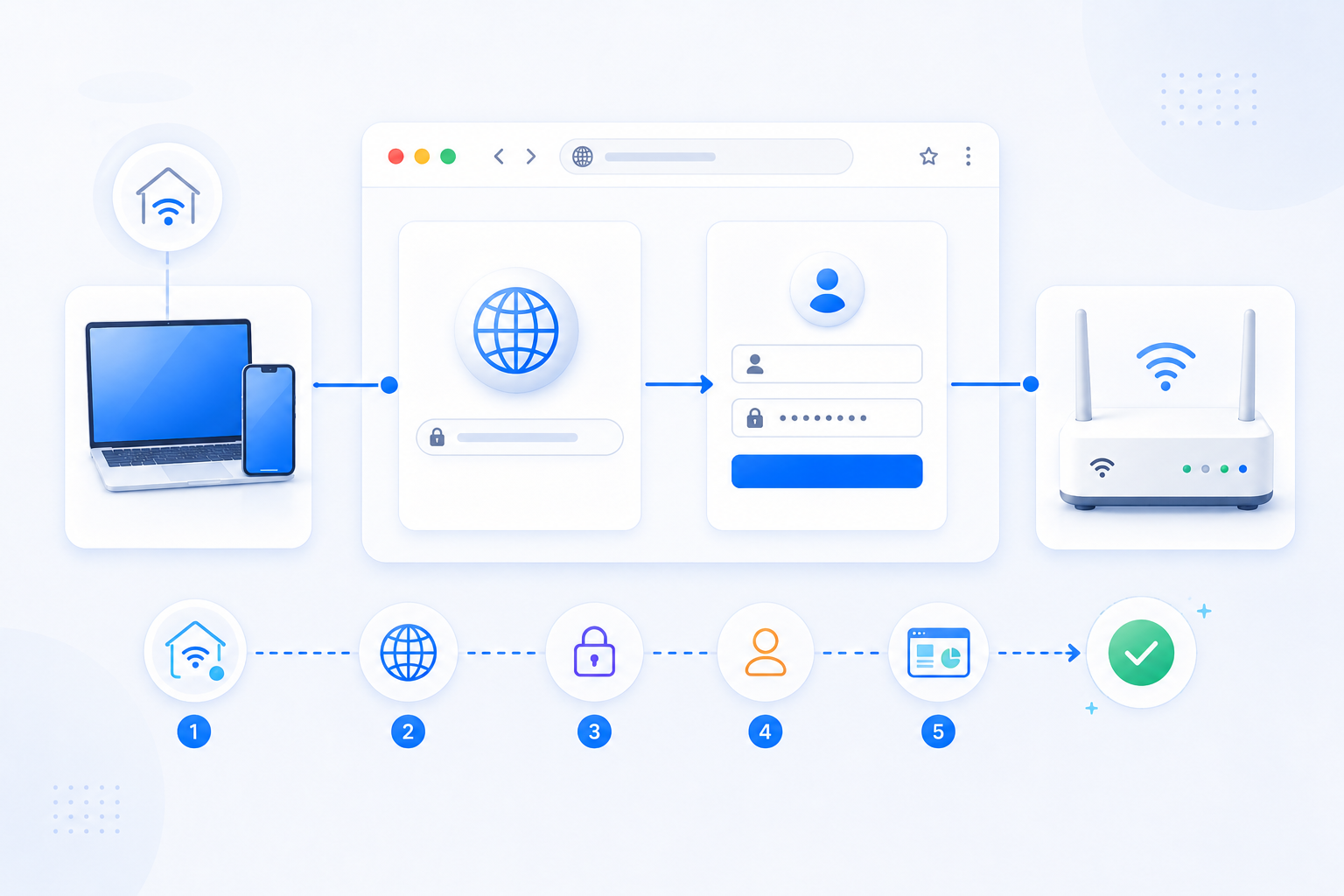
Port forwarding matters when people outside your home need to reach a service inside it.
Start with the goal, not the router menu. A game server, home server, NAS, camera, VPN, or remote management tool each needs a different risk check and validation flow.
A domain or public IP can reach a service running inside your home network.
Check 80/443, HTTPS certificates, DDNS, and reverse proxy placement.GamingHost a Minecraft server for friendsSmall game servers and friend groupsFriends can connect to your server from outside your LAN.
Check port 25565, the running server, firewall rules, and double NAT.Remote adminReach a remote management toolRemote Desktop, support tools, admin serversRemote users can reach an internal PC or management host.
Direct exposure is risky, so compare VPN, relay, and access restrictions first.NAS/PlexUse NAS or Plex away from homeNAS files, Plex media, family sharingRemote networks can reach your media or file service.
Plex usually maps an external port to internal 32400; NAS services vary.CCTVView CCTV or NVR remotelyHome cameras, small shops, NVR systemsA mobile app or browser can reach your camera system from outside.
Confirm vendor ports, DDNS, firmware, and password hygiene.VPNOperate a VPN serverWireGuard, OpenVPN, router VPN serversYou can reach home devices more safely through a private tunnel.
Confirm the actual listener, such as WireGuard UDP 51820 or OpenVPN UDP 1194.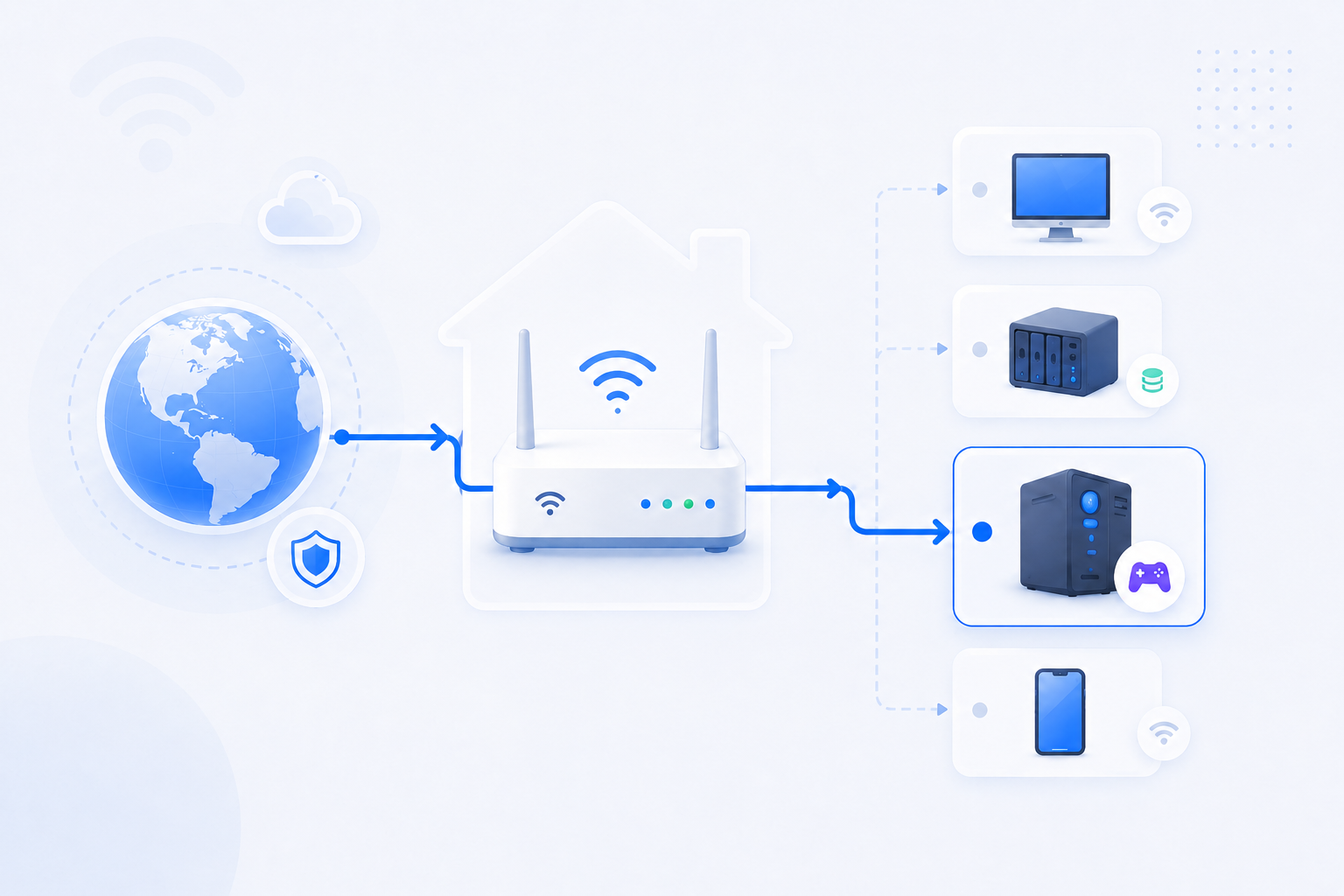
Port forwarding creates a path from outside to your internal service.
Minecraft servers, home web servers, NAS, CCTV, and remote access tools all follow the same flow. The key is confirming which device actually faces the internet.

Opening a port adds convenience and exposure at the same time.
RouterWiz does not encourage blindly opening ports. It nudges users to open only what they need and check passwords, firmware, and NAT state together.
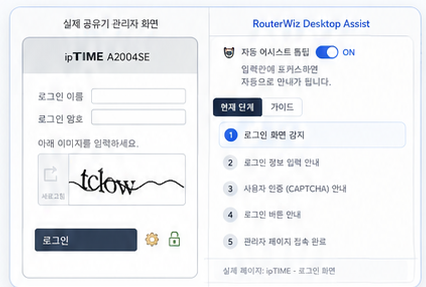
Get guidance beside the real router page
Desktop Assist will help identify login screens, explain fields, find port forwarding menus, and connect to verification tools.
 로그인 화면 감지현재 화면이 로그인 화면인지, 어떤 입력칸이 있는지 파악합니다.
 입력값별 설명 표시아이디, 비밀번호, 보안문자, 포트 입력값을 따로 설명합니다.
 포트포워딩 메뉴 찾기NAT, 가상 서버, 포트포워딩 메뉴로 가는 경로를 안내합니다.
 외부 접속 검증 연결저장 후 포트 체크와 공인 IP 확인으로 바로 이어집니다.
Check it in the browser, or consume it through APIs.
Port forwarding troubleshooting needs outside signals: public IP, ports, DNS, and SSL state.
GET /api/ip/json{ "ip": "...", "asn": "..." }공유기 브랜드 / 통신사별 가이드
사용 중인 공유기 또는 통신사를 선택하면 맞춤형 설정 가이드를 확인할 수 있습니다.


Most issues split into four checks.
Instead of changing everything, narrow the cause by symptom first.
네트워크 도구
간단한 클릭으로 내 네트워크 상태를 확인하고 문제를 진단해 보세요.
이런 문제를 자주 해결해요
증상에서 바로 시작해서 원인과 다음 행동으로 이어집니다.
초보자도 쉽게 이해하는 기초 학습
공유기, IP, NAT, DDNS 같은 핵심 개념을 먼저 정리해 둡니다.